Spooky puzzle mode
2048 Cupcakes Halloween - Play the Spooky Puzzle Online
Play 2048 Cupcakes Halloween in your browser before reading the seasonal notes. The spooky artwork changes the mood, not the merge rule, so this page keeps the board near the top and explains the controls, the classic comparison, and the safest fallback when an embedded frame does not respond.
Loading the Halloween board…
A short review for the next session
Use one repeatable observation after each game so the themed board remains easy to read and improve.
Review
Record one safe choice
After a game, note one direction that protected space and one moment that reduced it. This small record makes the next session more deliberate without requiring a full replay.
Halloween intent
Use this page when you want a spooky Cupcakes 2048 session instead of the standard year-round board.
Game first
The playable frame stays near the top so you can test the board before reading the guide.
No downloads
Play in a normal browser tab. Avoid pages that ask for extensions, installers, or unrelated files.
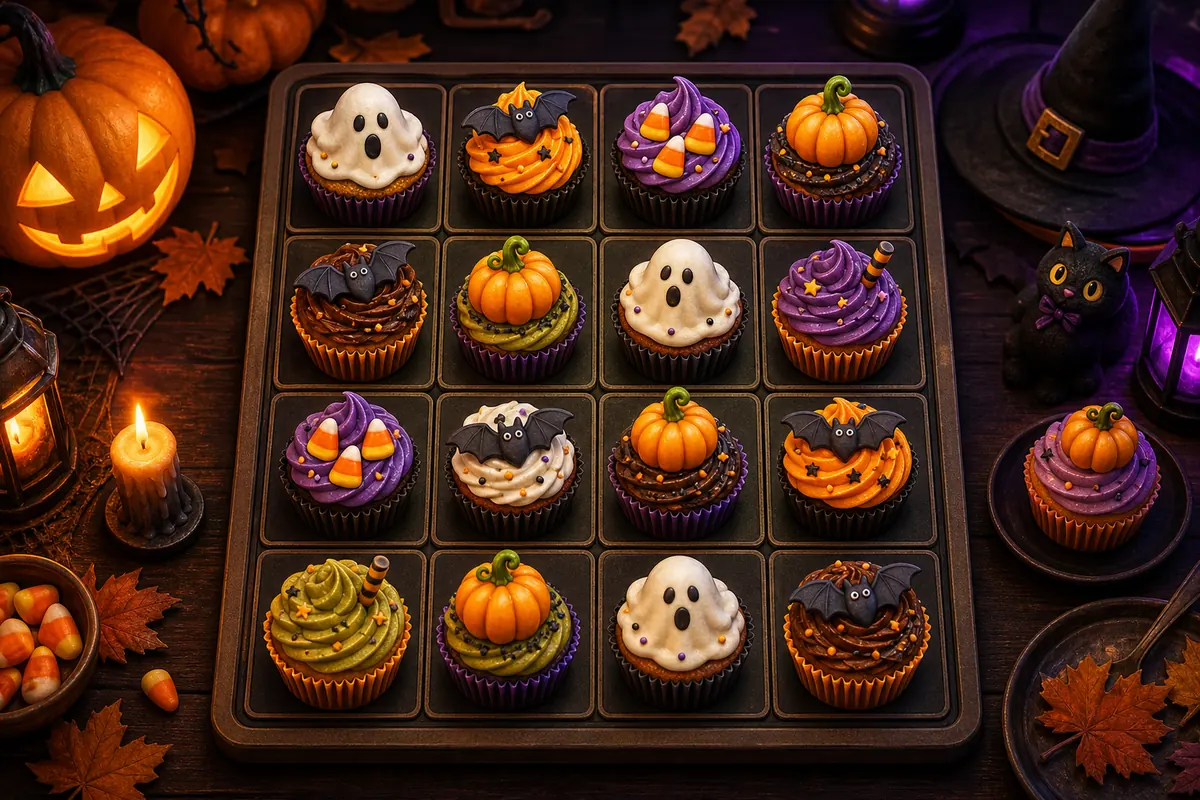
How to Play 2048 Cupcakes Halloween
The Halloween version follows the same 2048 rule set: slide every tile, merge matching cupcakes, and keep enough empty cells to build toward 2048. The seasonal artwork can make the board feel different, but the best play pattern is still a stable corner, a clean value chain, and careful recovery after bad swipes.
Step 1
Load and focus the board
Wait for the game frame to appear, then click or tap inside it. On desktop, arrow keys control the board. On mobile, swipe from the middle of the play area.
Step 2
Merge matching spooky cupcakes
Two matching tiles combine into the next value. Treat the Halloween art as a visual skin over the same 2, 4, 8, 16, and 2048 progression.
Step 3
Anchor the highest tile
Pick one bottom corner and keep your largest cupcake there. Moving the anchor into the center usually creates a messy board.
Step 4
Use fullscreen for long runs
Fullscreen mode gives the puzzle more room, reduces accidental page scrolling, and makes late-game tile order easier to read.
Controls, Inputs, and Output
- Input on desktop: arrow keys after the game frame has focus.
- Input on mobile: swipe up, down, left, or right inside the board.
- Output: merged cupcake tiles, score changes, open cells, and a 2048 win state.
- Best use: Halloween puzzle breaks, classroom activity when games are allowed, and practice for the same strategy used in classic Cupcakes 2048.
Halloween Cupcakes 2048 vs Classic Cupcakes 2048
People searching for 2048 cupcakes halloween usually want a seasonal version first, not a broad strategy article. The board logic stays close to classic 2048, while the page needs quick play access, visual context, and clear notes on whether the Halloween theme changes strategy.
| Feature | Halloween Version | Classic Version |
|---|---|---|
| Search intent | Seasonal spooky play, themed puzzle breaks, and Halloween classroom-friendly sessions when allowed. | General Cupcakes 2048 gameplay, rules, and tile progression. |
| Rules | Slide, merge, and build toward 2048 using the same core board logic. | The same merge rules with the standard cupcake presentation. |
| Visual focus | Pumpkins, ghosts, bats, candy colors, and seasonal cupcake artwork when available. | Standard cupcake tiles and year-round puzzle visuals. |
| Best next page | Use the strategy and troubleshooting sections below if the themed board feels harder to read. | Use the all-cupcakes guide when you need the complete tile value list. |
What the Halloween Version Changes in a Real Run
The Halloween theme is a useful seasonal variation, not a new scoring system. Treat the artwork as atmosphere, then use the same board-reading habits that keep a classic Cupcakes 2048 run under control.
The mood changes first
Spooky colors and seasonal cupcake art make the board feel different, but they do not replace the numeric value of a tile. Check the number when a visual design makes two stages look similar.
The merge logic stays familiar
Matching values still combine, every useful swipe changes the whole board, and open cells still determine whether a run can recover. Keep a corner anchor and avoid filling the middle without a plan.
Use the reference pages together
Play here for the seasonal experience, use All Cupcakes for the value order, and open the Strategy guide when you need a safer corner, chain, or recovery plan.
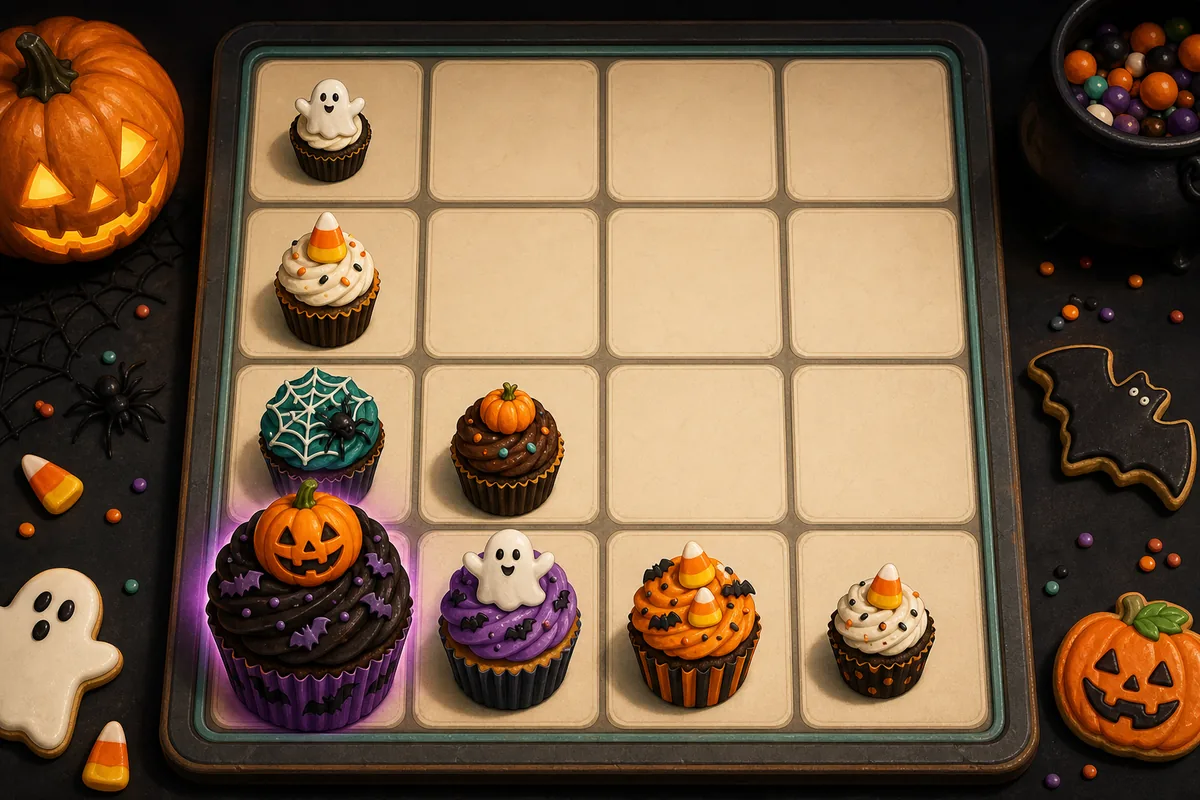
Halloween Strategy Snapshot
The Halloween skin can make low and mid-value tiles harder to distinguish at a glance, so strategy matters more than decoration. Keep the highest tile pinned, move mostly in two safe directions, and rebuild a descending row before chasing big merges.
Best opening move
Choose a bottom corner and make most early moves toward that side. A predictable row gives new Halloween cupcakes a path into your main chain.
Common Halloween mistake
Do not chase every spooky tile just because it looks new. Merge only when the move improves board shape or opens space.
Recovery plan
If the highest cupcake drifts away, stop using the risky direction, clear one lane, and rebuild the chain from low tiles back toward the anchor.
Troubleshooting the Halloween 2048 Cupcakes Board
Seasonal game mirrors can fail for the same reasons as any embedded browser game: iframe restrictions, network filters, stale mirrors, or keyboard focus. Try the simple fixes first.
| Problem | Try This | Why It Helps |
|---|---|---|
| The board stays blank | Refresh once, then open the game in a new tab. | Some hosts allow direct navigation while blocking embedded frames. |
| Arrow keys scroll the page | Click inside the game frame before pressing keys. | The iframe needs focus before it receives keyboard input. |
| Swipes move the page | Use fullscreen or begin the swipe from the center of the board. | More board space reduces accidental browser gestures. |
| A school or work network blocks the game | Play only on networks where casual games are allowed. | This page does not provide proxy or bypass instructions. |
Use normal browser access only. If a network blocks Halloween game pages, follow the local policy rather than installing extensions or bypass tools.