App and download guide
2048 Cupcakes App: Download, Browser Play, and Safe Options
If you search for a 2048 Cupcakes app, you may see an iOS listing, Android cupcake variants, Chrome extensions, browser mirrors, and third-party download pages. The safest choice depends on what you actually need: instant play with no install, an offline extension, or a mobile app from a recognized store.
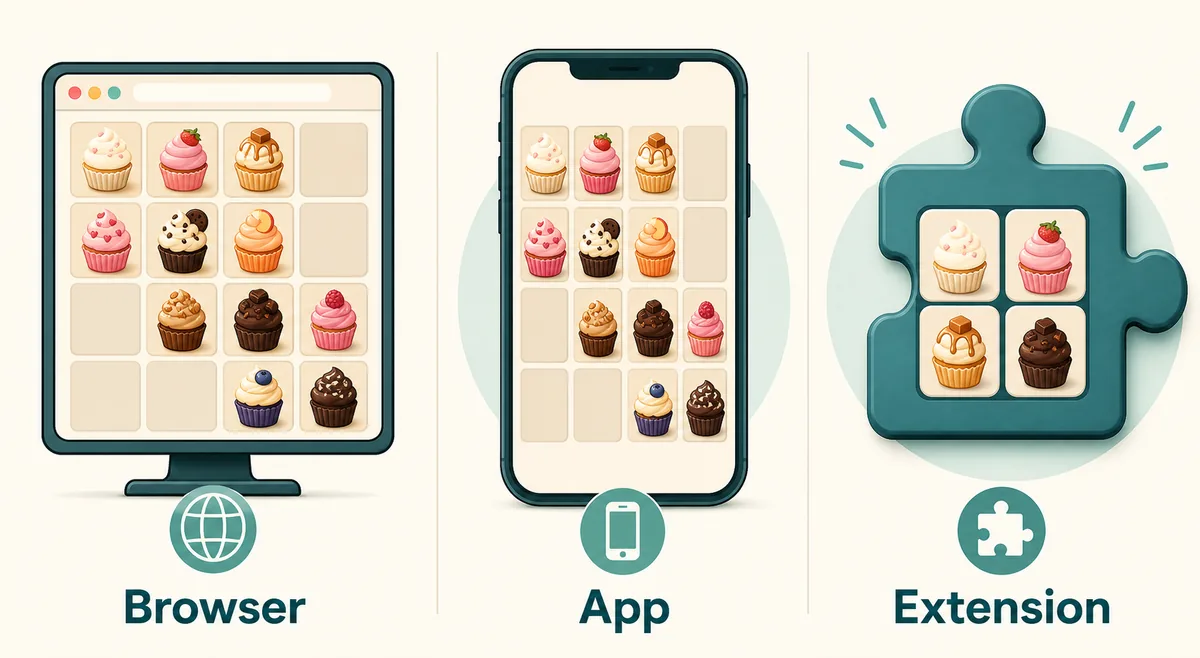
Quick Answer: Should You Download a 2048 Cupcakes App?
For most players, the no-download browser version is the best first choice. It opens immediately, works on desktop and mobile browsers, and lets you practice Cupcakes 2048 without installing an app, extension, APK, or extra software. If you only want a quick game, start in the browser and switch to an app only when you need offline play or a dedicated phone icon.
The iOS App Store has a 2048 Cupcake listing, and the Chrome Web Store has Cupcakes-style extensions. Google Play also shows cupcake-themed 2048 variants. Those can be legitimate options, but they are not automatically better than browser play. Check the store source, publisher, update date, permissions, reviews, and whether the listing matches the cupcake version you expect.
Avoid random download mirrors when a normal store page or browser version exists. A 2048 puzzle should not require installers from unknown sites, proxy tools, account credentials, or broad permissions. If a page pushes a download before showing basic details, use the browser version instead.
This Guide Helps You Compare
- No-download browser play
- iPhone and iPad app listings
- Android cupcake variants
- Chrome extensions
- Safe download checks
Try the Browser Version Before Installing Anything
A browser build is the cleanest way to confirm that you actually want the cupcake version of 2048. The rules are familiar: slide the board, merge matching cupcakes, keep space open, and build toward the Rainbow Cupcake. You do not need an account, installer, or extension to test the core game loop.
Browser play is also useful when you compare app listings. If a mobile app has fewer tile images, missing late-game cupcakes, or outdated behavior, the browser board gives you a reference point. You can then decide whether the app convenience is worth the tradeoff.
Open the Unblocked Play Page2048 Cupcakes App vs Browser vs Chrome Extension
The right option depends on your device and tolerance for installation. Use the table as a quick decision filter before you tap Get, Install, or Add to Chrome.
| Choice | Best For | Check First |
|---|---|---|
| Browser version | Fast play, school or work breaks where normal game sites are allowed, and testing the tile progression before installing anything. | Make sure the page loads the board directly and does not ask for downloads, proxy tools, or account access. |
| iPhone or iPad app | Players who want a home-screen icon, touch-first play, and App Store-managed installation. | Confirm the listing name, publisher, update history, privacy notes, device support, and recent reviews. |
| Android app variant | Android players who prefer a native app over a browser tab. | Check the package source, permissions, screenshots, update date, and whether it is actually the cupcake-themed game. |
| Chrome extension | Desktop players who want quick toolbar access or offline popup play. | Read permissions, publisher details, user count, reviews, and whether the extension is from Chrome Web Store rather than a download mirror. |
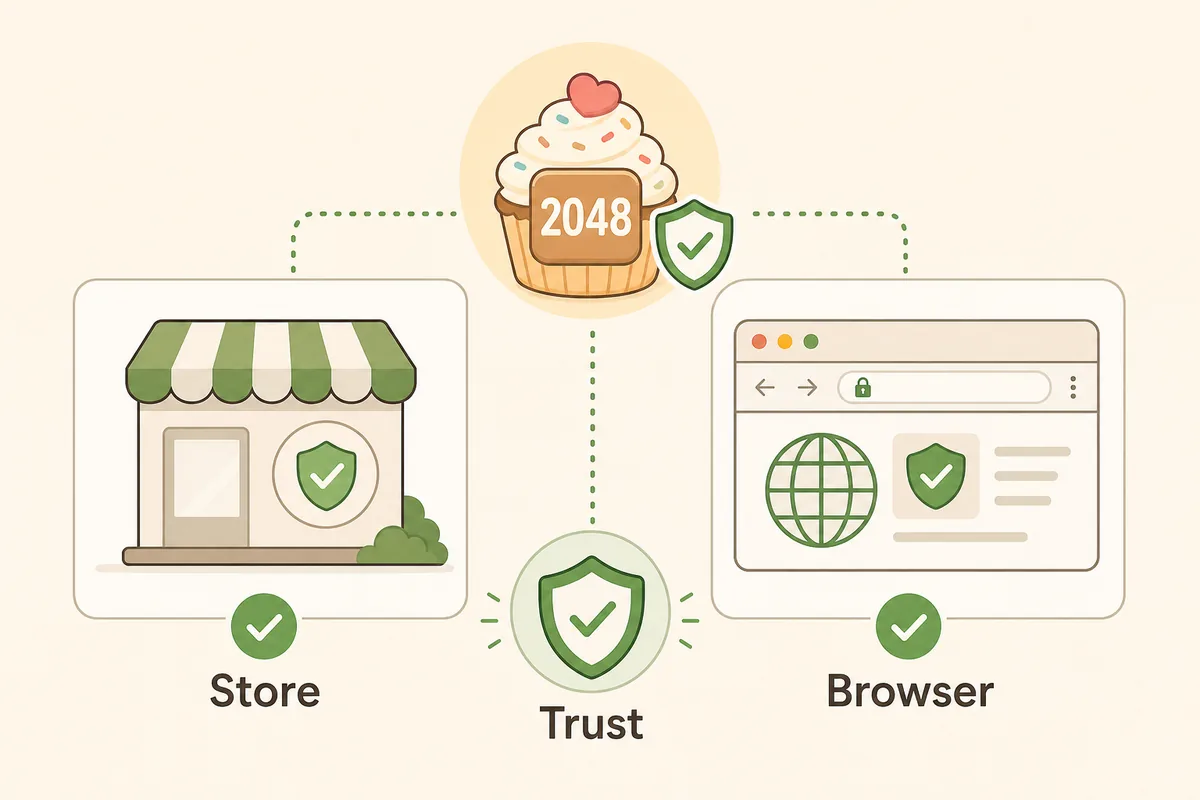
Safe Download Checklist for 2048 Cupcakes
A safe 2048 Cupcakes download should feel boring: clear store page, recognizable platform, small game permissions, ordinary install flow, and no pressure to add unrelated software. Because 2048 is a simple puzzle, broad permissions or installer bundles are a warning sign.
Use official stores when you choose an app or extension. If you prefer not to install anything, use the browser version and keep your progress expectations simple. Browser play is usually enough for casual sessions, strategy practice, and checking tile values.
Prefer store pages
App Store, Google Play, and Chrome Web Store pages expose publisher, ratings, version, and privacy or permission information.
Read permissions
A small puzzle should not need access to unrelated browsing data, files, contacts, or account details.
Check recency
Recent updates are not a guarantee, but very old listings may have display bugs, missing tiles, or device compatibility issues.
Skip download mirrors
If a third-party page only forwards you to a store, use the store directly. If it offers installers, be cautious.
What the iOS App Store Listing Means
The App Store listing for 2048 Cupcake is a real mobile-app route for iPhone and iPad players. It can be convenient if you want touch-first play and a dedicated app icon. Store details such as category, age rating, size, screenshots, reviews, and privacy notes help you decide whether it matches your needs.
However, an app listing is not the same thing as the browser version. Reviews may mention behavior that differs from the web board, such as late-game tile display or missing next-level visuals. If your goal is to learn the full tile order or practice a specific strategy, compare the app experience with the browser board and the all-cupcakes guide.
- Use the store listing for device compatibility and privacy notes.
- Use the browser version when you want instant play without installation.
- Use the all-cupcakes guide when you need value names, 1024, 2048, and post-win tile context.
Chrome Extensions: Useful, but Check Permissions
Chrome extensions can make 2048 Cupcakes feel like a tiny desktop app. Some listings advertise offline play, popup access, and quick launch from the toolbar. That can be useful if you play on the same computer often and want the game outside a normal page tab.
The tradeoff is trust. Extensions run inside your browser environment, so you should check permissions and publisher information before installing. Prefer Chrome Web Store pages over third-party extension download sites, and remove any extension that asks for permissions unrelated to a simple puzzle.
- Good fit: quick desktop access and offline popup play.
- Potential downside: browser permissions and stale extension maintenance.
- Safer habit: install only from Chrome Web Store and review permissions first.
When No-Download Play Is Better
No-download play is better when you only want a few rounds, when you are trying the game for the first time, or when you are on a shared device. It also avoids the common problem of installing a variant that looks similar but does not use the cupcake tile set you expected.
The browser page can still support serious practice. Use it with the strategy guide for the corner method, the cheats guide for safe tactics versus myths, and the tile list when you want to know what comes after 512 or 1024. For most players, that combination is more useful than downloading multiple app variants.
- Best for quick sessions and device-neutral access.
- Best for comparing tile behavior before installing an app.
- Best when you want guide links, troubleshooting, and fullscreen help together.
What to Avoid When Searching for 2048 Cupcakes Download
Search results for download keywords often include repost sites and app catalog pages. Some are only directories that point back to official stores, while others encourage direct downloads. For a simple puzzle, direct downloads are rarely necessary. A safer path is browser play first, then official store pages if you still want an installed option.
Be especially careful with pages that promise a special unblocked download, a hacked version, unlimited score tools, or a browser bypass. Those claims do not help you learn Cupcakes 2048 and can introduce security or policy problems. If you want to win more consistently, use the strategy page instead of chasing modified builds.
- Avoid APK or installer links from unknown mirrors.
- Avoid pages that require proxy software or browser bypass tools.
- Avoid extensions with broad permissions for a small casual game.