Source and demo guide
2048 Cupcakes GitHub: Repository, Source Code, Demo & MIT License
Searching for 2048 Cupcakes GitHub usually means you want the public repository, the browser demo linked from its README, or a quick way to tell source files from a playable page. This guide keeps those intents together without calling a mirror official or turning a source page into a download promise.
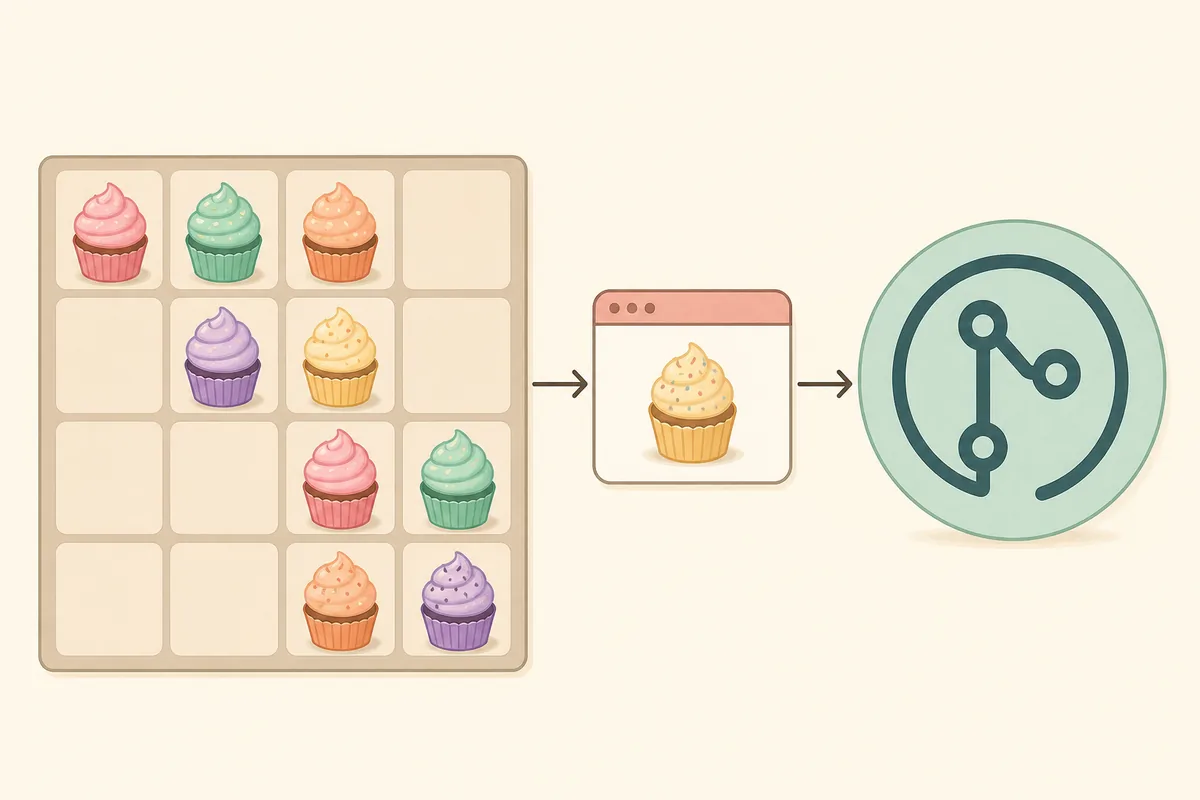
Quick Answer: Which 2048 Cupcakes GitHub Result Matters?
The strongest source match is the public 0x0800/2048-CUPCAKES repository. Its visible metadata lists the gh-pages default branch and an MIT license, while its README points readers to a GitHub Pages demo. The repository is useful for source inspection; the demo is the place to play.
Repository
0x0800/2048-CUPCAKES
Default branch
gh-pages
License
MIT
Published demo
README-linked GitHub Pages build
Repository status
Public and not archived
Source check
August 18, 2026
These facts were checked against the public repository metadata and README on August 18, 2026. Stars, forks, and commit activity can change, so they are not used as proof of quality or safety.
What Is Inside the 2048 Cupcakes GitHub Repository?
A repository is more useful when you know what to look for. The root listing exposes the game entry point, JavaScript, styling, metadata, contribution notes, and the license. That structure is enough to explain how a static browser game is organized without pretending that every folder is a production build system.
| Visible path | What it helps you check |
|---|---|
README.md |
Project description and the browser demo link. |
LICENSE.txt |
The repository's MIT license text and reuse boundary. |
index.html |
The static page entry point for the browser build. |
js/ |
Game behavior, keyboard input, movement, and state logic. |
style/ |
Board layout, responsive styling, and visual presentation. |
meta/ |
Metadata and supporting page assets used by the build. |
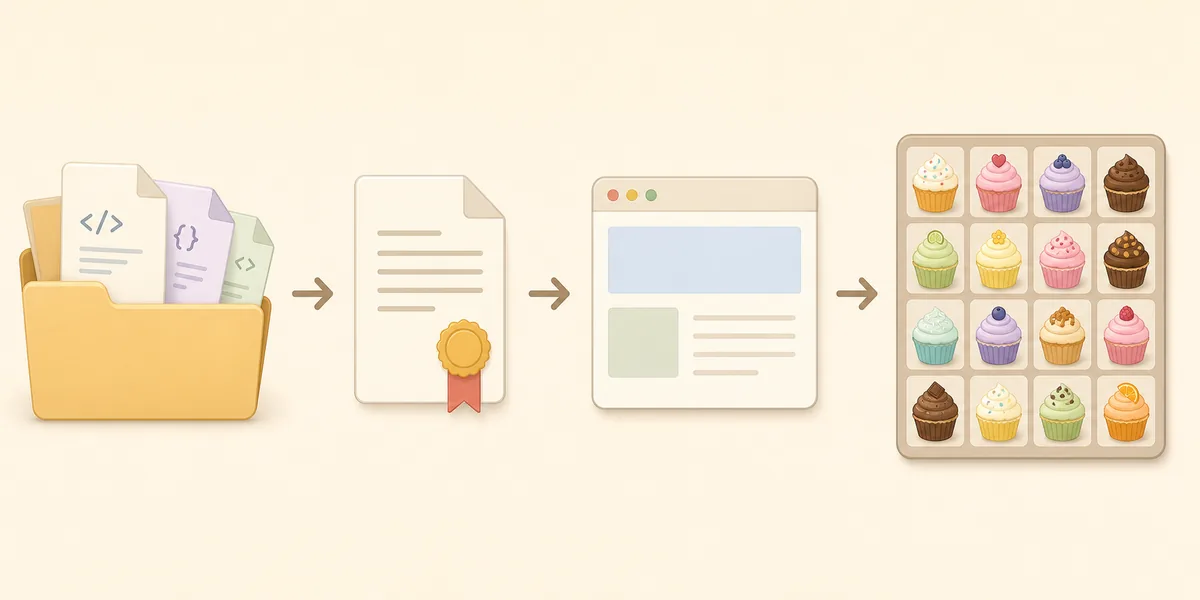
GitHub Source vs Live Demo vs Play Page
The phrase 2048 Cupcakes GitHub mixes a repository question with a play question. Use the destination that matches the job instead of assuming that a code host automatically contains a working board or that a playable page is the source archive.
| Destination | Best for | Limit to remember |
|---|---|---|
| GitHub repository | Reading README notes, files, branches, license, and source history. | It is not the fastest place to start a game. |
| README-linked GitHub Pages demo | Opening the source-hosted browser build directly. | A hosted demo can work even when you do not need to inspect code. |
| Cupcakes 2048 play page | Playing with controls, fullscreen help, and loading guidance. | It is a reader-friendly access page, not a repository archive. |
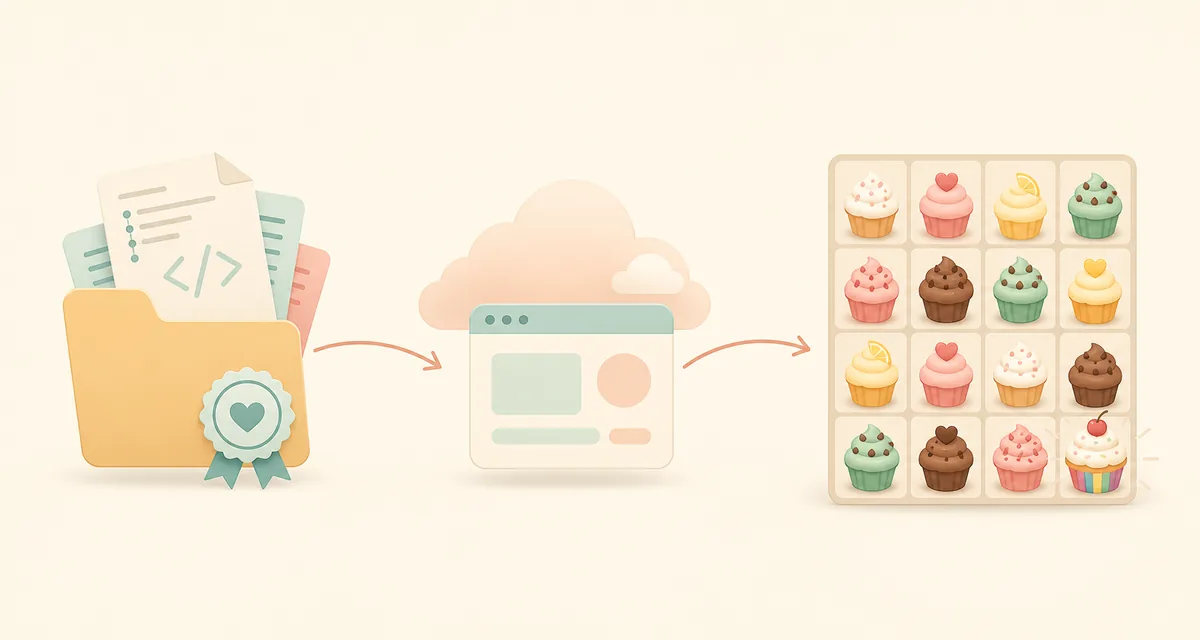
Choose the GitHub Destination That Fits Your Goal
A useful 2048 Cupcakes GitHub result becomes easier to verify when you name the task first. Source inspection, browser play, and code reuse have different destinations and different checks.
For source readers
Stay on the repository
Use the repository when you need README context, branches, file paths, commit history, or the license. Check the owner and exact path before treating a result as the upstream project.
For players
Open the published demo
Use the README-linked Pages build when your goal is to play the source-hosted version. If it is blank, try the reader-friendly play page instead of downloading a random archive.
For reuse
Read terms before copying
MIT makes the license text important, but it does not transfer ownership of every asset or fork. Keep the license notice and inspect added scripts before publishing a reuse.
For safety
Treat forks as separate sites
A fork, mirror, or release attachment can change the code and links. Do not infer that a download prompt, extension, or third-party domain is approved just because the result mentions GitHub.
A Quick Check Before You Trust a GitHub Link
A few small checks keep the source, demo, and play page in their proper lanes. They also make it easier to stop when a result asks for more access or software than a static game needs.
Identity
Match the owner and path
Compare 0x0800/2048-CUPCAKES, the repository name, and the visible README before opening a fork or mirror.
Destination
Separate code from play
Use the repository for files and history, the Pages link for the hosted build, and the play page for controls and loading help.
License
Keep the legal context
Read LICENSE.txt before reuse and keep the notice required by the project. Do not treat MIT as approval of later additions.
Stop signal
Leave unrelated prompts alone
A static browser game should not need a mystery installer, extension, proxy, or score tool. Close the result and return to a known destination.
How to Check a 2048 Cupcakes GitHub Result
Use a short verification routine before you trust a repository link, fork it, or decide that a source-hosted demo is the right page for you.
Step 1
Confirm the repository identity
Match the owner, repository name, public README, and visible file list. A page that only copies a game title is not the same as a source repository.
Step 2
Read the README demo link
A published Pages URL explains where the browser build is expected to run. Open it separately from the code tab so the two purposes stay clear.
Step 3
Check the license file
The visible MIT license describes reuse terms. It does not promise that every fork is maintained, secure, or endorsed by the original author.
Step 4
Avoid unnecessary downloads
A normal static browser game should not require a mystery installer, extension, proxy, or score editor. Stop when a result asks for unrelated software.
What the MIT License Does—and Does Not—Mean
The repository exposes an MIT license, which is a permissive open-source license. In practical terms, readers can inspect the license text before studying, reusing, or forking the code.
That permission is not the same as a safety certificate or an endorsement. A fork can add different assets, scripts, analytics, or download prompts, so inspect the exact copy you open rather than assuming that every page under the same game name behaves identically.
- Use the repository's own LICENSE.txt as the source of the legal wording.
- Keep attribution and other license conditions in mind when reusing code.
- Treat a hosted fork, browser demo, and local download as separate artifacts.
- Do not describe a third-party mirror as official just because it uses GitHub.
How This Differs from the 2048 Cupcakes GitLab Page
The existing GitLab guide is aimed at people comparing GitLab search results, mirrors, and playable fallback pages. This new GitHub guide has a narrower boundary: it starts from the public upstream-style repository, explains the files and license, and then points to the README-linked demo.
If you are trying to decide whether a source result is a repository, a hosted demo, or a generic game portal, read the comparison on the GitLab page next. The two pages support each other without using the same primary intent.
Compare GitLab and Mirror ResultsFAQ About 2048 Cupcakes GitHub
Bottom Line
For the 2048 Cupcakes GitHub query, start with the public repository when you need source files, README context, or the MIT license. Use the linked Pages build or the play page when you want to play. Keeping those destinations separate makes the result easier to verify and avoids treating a fork, mirror, or download prompt as official.